Guide
How To Block YouTube Ads On Android?
May 11, 2026
Guide
YouTube is the world’s favorite platform for video content, with billions of daily views. But in 2025, the sheer number of ads has reached frustrating levels. Long, unskippable video ads, double mid-rolls commercials, and banner overlays constantly break the flow of videos. What was once a fun, free way to watch content now feels more like cable TV with endless interruptions.
For users, this isn’t just about inconvenience. YouTube ads also bring privacy concerns, since advertisers use them to collect data and track your viewing habits. In response, millions of people have turned to ad blockers as an essential tool for reclaiming control.
YouTube, however, has fought back with aggressive anti-ad-blocking tactics, sometimes preventing videos from playing unless an ad blocker is disabled. Even so, the demand for the best YouTube ad blocker has only grown. Viewers are searching for an adblock that works on YouTube—a solution that cuts through ads, protects privacy, and ensures smooth streaming without sacrificing security.
With YouTube’s detection methods becoming more advanced, not every ad blocker is up to the task in 2025. Choosing the right tool means looking beyond the basics. Here are the most important criteria:
It’s also worth noting that the ad blocker community and dedicated developers actively collaborate to keep pace with YouTube’s evolving defenses. This means that the most reliable tools are constantly updated to maintain ad-free viewing.
Installing a YouTube ad blocker is usually quick and straightforward. Most modern extensions are designed to work automatically once added to your browser, blocking ads and trackers before videos even begin playing.
For Chrome users, installation takes only a few steps. Open the Chrome Web Store, search for an ad blocker such as Ghostery, and click "Add to Chrome". After installation and activation, the extension icon appears in the browser toolbar and immediately begins filtering YouTube advertising requests.
Once active, the extension blocks pre-roll ads, mid-roll ads, banner overlays, and sidebar ads that would otherwise interrupt playback.
Firefox users can install ad blockers through the Firefox Add-ons store. After clicking "Add to Firefox" and activating the extension it begins filtering YouTube ads in the background.
Because Firefox still allows powerful extension capabilities, many users find it to be one of the most reliable browsers for consistent ad blocking.
On Safari, ad blockers are installed through the Apple App Store. After downloading a compatible extension such as Ghostery, users enable it in Safari’s extension settings. Once activated, the blocker filters advertising and tracking scripts when YouTube pages load.
Ad blocking on smartphones usually works through mobile browsers rather than the official YouTube app. On Android, browsers such as Firefox and Edge support extensions like Ghostery. Google Chrome does not support extensions at all. On iPhone and iPad, ad blockers can filter ads and trackers when YouTube is viewed through Safari.
With the extension running, ads are blocked before the video player loads, resulting in smoother playback and fewer interruptions.
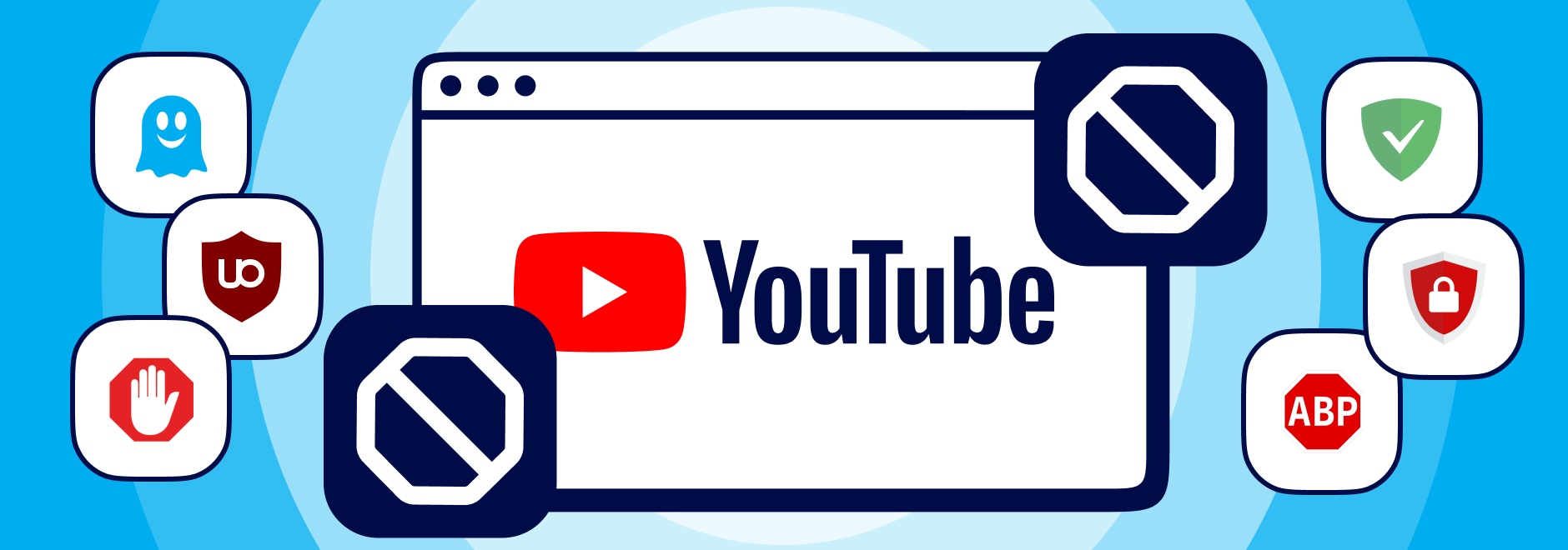
Based on recent tests, several ad blockers still manage to deliver smooth, ad-free YouTube streaming. Among them, Ghostery stands out as the best choice in 2025 thanks to its unmatched balance of blocking power, privacy features, and multi-platform compatibility.
Other contenders include AdGuard, Stands AdBlocker, Total AdBlock, and AdBlock Plus. Magic Lasso remains popular for Safari users, while Opera users benefit from integrated blocking but often turn to extensions for stronger protection.
However, uBlock Origin, once a top pick on any browser no longer works reliably on YouTube in Chrome, due to Google’s Manifest V3 rollout and stricter anti-ad-blocker measures.
Ultimately, the best adblock for YouTube Chrome or mobile apps depends on your priorities, but Ghostery leads across browsers and devices. And thanks to the collective efforts of the ad blocker developer community, top tools remain resilient against YouTube’s aggressive anti-blocking tactics.
Ghostery has long been a trusted name in privacy and ad blocking, and in 2025 it has become the best ad blocker YouTube viewers can rely on. Unlike many tools that struggle against YouTube’s constant updates, Ghostery has adapted its technology to bypass new detection systems fast while still maintaining site compatibility.
Pros:
Cons:
Still, these minor trade-offs pale compared to the benefits. In 2025, Ghostery is simply the best adblocker for YouTube, delivering ad-free and private streaming across platforms.
While Ghostery is the clear winner, several other tools remain widely used in 2025:
Performance varies depending on the browser and device you use. Chrome extensions are under the most pressure due to Google’s Manifest V3 update, which restricts how blockers can function. As a result, the best YouTube ad blocker must work around these limitations without slowing your browsing.
Ghostery performs reliably on Chrome, Firefox, Edge, Opera, and Safari. On mobile, it doubles as the best adblock for YouTube, ensuring smooth playback on Android and iOS and faster video loading. In tests, Ghostery also proved to have minimal impact on system resources, making it efficient for both desktops and smartphones.
Other blockers like AdGuard and Total AdBlock deliver solid performance but may require a paid upgrade for full cross-device functionality.
Many users expect ad blockers to work the same way across every device, but there is an important difference between watching YouTube in a browser and using the official mobile app.
Ad blockers operate by filtering network requests inside the browser before content loads. Because the YouTube mobile app does not allow extensions to control its traffic, most ad blockers cannot remove ads inside the native app itself.
However, when YouTube is opened in a supported browser such as Firefox, Edge, Opera or Safari, extensions can filter ad requests before playback begins. This allows them to remove pre-roll ads, mid-roll ads, overlays, and other advertising elements that interrupt videos.
For users who want the most consistent ad blocking on mobile devices, watching YouTube through a browser rather than the app is often the most reliable solution.
Ad blocking is only part of the story. Privacy protection is just as important, since YouTube and Google rely on private data collection as much as ads. Ghostery leads the pack by combining ad-blocking with tracker-blocking, fingerprinting protection, and anti-cookie features.
Unlike some competitors, Ghostery doesn’t log private information nor browsing history, making it a safe, privacy-first choice. This makes it not just a best free adblock for YouTube, but also a tool for improving overall security, reducing malware risks from malicious ads, and keeping your browsing private.
Installing an ad blocker should be simple. While most modern tools meet that standard Ghostery, for example, is added to your browser in just a few clicks. Its intuitive panel shows what’s being blocked in real time and helps prevent YouTube playlist interruptions caused by ads.
Customization options also matter. Ghostery allows users to whitelist favorite websites so creators you support can still earn ad revenue. Filter lists and advanced settings give power users control over what gets blocked. Compared to others, Ghostery’s balance of ease and flexibility makes it the best adblocker for YouTube for both beginners and advanced users.
Even the most reliable YouTube ad blockers occasionally encounter issues because the platform frequently changes how ads are delivered. If ads suddenly appear again, a few simple steps usually resolve the problem.
First, check whether the extension and its filter lists are up to date. Developers regularly update blocking rules to handle new ad formats.
Second, refresh the YouTube page or clear your browser cache. Cached scripts can sometimes interfere with filtering rules.
It is also important to remember that YouTube regularly deploys new anti-adblocking measures. When this happens, users may briefly see ads again for a short period. In many cases this lasts only a day or two while the ad blocker community analyzes the change and releases updated filter rules or technical fixes. Once those updates are deployed, ad blocking typically resumes as normal.
Finally, make sure other browser extensions are not conflicting with the ad blocker. In most cases, keeping the extension updated ensures it continues to bypass YouTube’s latest anti-ad-blocking measures.
While the best ad blocker YouTube options work today, the platform could tighten restrictions for browser extensions in the future. If that happens, alternatives include:
These options ensure you still have ways to enjoy ad-free streaming if traditional ad blockers face new obstacles.
YouTube Premium offers an official way to remove ads from the platform, but it comes with a recurring monthly fee. In many regions, subscriptions cost around $14 per month, which adds up to more than $140 per year.
Ad blockers take a different approach. Instead of paying for a single service, browser extensions like Ghostery remove all type of ads and tracking scripts directly inside the browser.
Because many ad blockers are free and open-source, they provide long-term value while also improving privacy and page performance. Rather than removing ads from only one platform, they block advertising and trackers across the entire web.
For users who watch a large amount of online video, this broader protection often makes ad blockers the more flexible option.
In 2025, YouTube ads are more disruptive than ever, but effective tools exist to restore control. After testing the leading options, Ghostery stands out as the top choice, combining powerful ad blocking, strong privacy protection, and smooth performance across devices.
While AdGuard, uBlock Origin, Total AdBlock, and others remain viable options, Ghostery’s balance of free access, transparency, and consistent performance makes it the best free adblock for YouTube this year. Whether on Chrome, mobile, or desktop, Ghostery delivers a seamless, private viewing experience, exactly what YouTube should be.
And if you ever have questions or run into an issue, Ghostery Support is always ready to help you get back to an ad-free YouTube experience quickly.
 5.0
5.0
 5.0
5.0
 5.0
5.0

Though YouTube discourages ad blockers, users do have the right to decide on a clean and private browsing experience enabled by ad blocker browser extensions.
YouTube frequently updates detection systems across regions, requiring blockers to adapt. Choosing an adblock that works on YouTube like Ghostery ensures ongoing reliability.
Yes. Many blockers let you whitelist favorite channels or websites to support creators of your choice.
On the contrary, most - especially Ghostery - speed up browsing by blocking heavy tracking scripts from loading.
Many ad blockers include allowlisting features that let users support specific websites while blocking ads everywhere else. In most extensions, users can add websites to an allowlist so ads appear only on those domains. While channel specific controls are less common, users can allow ads on YouTube by disabling blocking for youtube.com when they want to support creators. Tools like Ghostery also provide site level protection controls that let users pause blocking temporarily or adjust protection settings for particular websites.
Most YouTube ad blockers do not work inside the official YouTube mobile app because mobile apps do not allow browser extensions to control their content. Instead, ad blocking tools typically work when YouTube is opened in a mobile browser that supports extensions or built in blocking technology. On Android, browsers such as Firefox and Microsoft Edge support extensions like Ghostery, allowing ads and trackers to be blocked while watching YouTube in the browser. On iPhone and iPad, ad blockers can block ads on YouTube when viewed through Safari rather than the native app.
YouTube ad blocking extensions are supported by most major desktop browsers that allow browser extensions. Popular options include Google Chrome, Mozilla Firefox, Microsoft Edge, Opera, and Brave. These browsers provide extension stores where users can install tools that block ads and trackers directly inside the browser. Safari also supports some ad blocking extensions, although the available features may differ slightly. Ghostery offers the identical functionality on all browsers. On desktop browsers, these extensions integrate directly into the browsing experience and can block ads before YouTube videos begin playing.
YouTube regularly changes its advertising delivery system and detection scripts, which means ad blocking tools must be updated frequently to keep working effectively. Most YouTube ad blockers rely on filter lists and extension updates that are maintained by developers and community contributors. These updates can happen several times per week or even multiple times daily when YouTube introduces new anti adblock measures. Modern extensions usually update automatically in the background, ensuring users continue blocking ads without needing to manually install updates.
Most modern ad blockers allow you to pause protection temporarily when a video does not load correctly or when a website requires ads to function. In extensions like Ghostery, uBlock Origin, and AdGuard, you can click the extension icon in your browser toolbar and choose options such as “pause on this site,” “pause for one hour,” or “disable on youtube.com.” This temporarily stops blocking while you watch videos. Protection can then be reactivated instantly by clicking the extension icon again, or it will automatically turn back on once the selected pause period has expired.
If there is anything you miss in Ghostery or have any questions, please drop a line to support@ghostery.com. We’re happy to talk to you anytime.